

Place furniture from a tablet or a phone held sideways
Tablets and phones held sideways get Rotate and Place here when you place furniture, and Cancel says what it does.
Free account, straight into World. Already have an account? Log in.
What's new
On an iPad, a tap in the room moved a piece of furniture but never put it down, and the button to place it only showed on phones. The one button left, Done, ended without placing anything, so the piece went back to your Inventory. On a phone held sideways there was no button at all.
Every touch screen now gets the same buttons, whatever its size and whichever way you hold it: Rotate, Place here, and Cancel to stop. A phone held sideways shows them in a sheet under the room.
Step by step
How it works
-
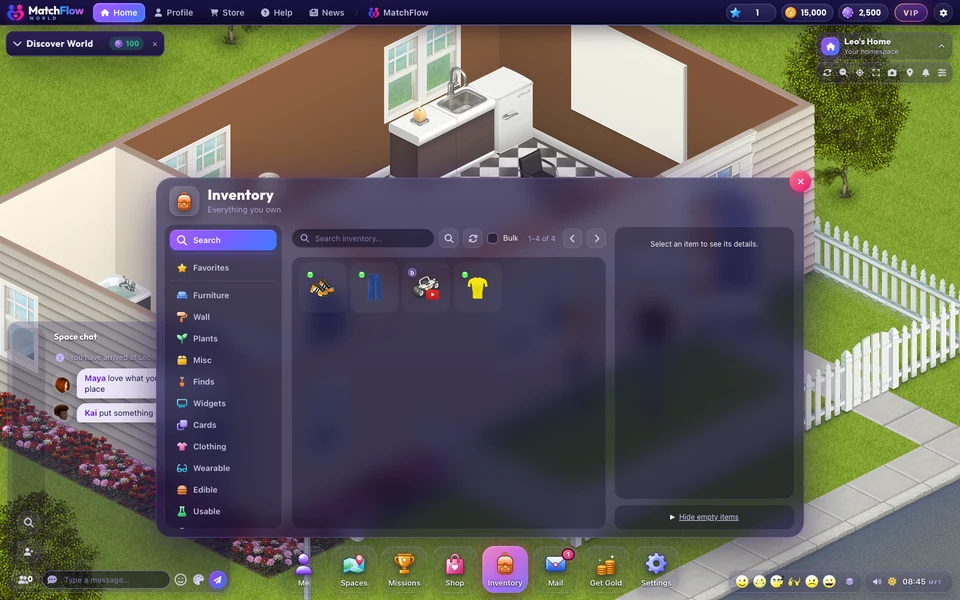
Pick it in your InventoryChoose the piece and press Place it in the space. The Inventory steps aside so the room is in view.
-
Tap where it goesTap the floor where it should stand, or drag it with your finger. Rotate turns it a quarter at a time.
-
Press Place herePlace here puts it down. Cancel stops without placing anything; once you have placed one, it reads Done.
Good to know
- With a mouse or a trackpad, a click still places it, as before.
- Place several keeps the piece in your hand after each one, so you can lay out a row.
News
More from FreeWorlds
-

Neon nights at the Raceway
The Raceway has a new neon look, visible front wheel steering and a live speed display for races and Time Trial. -

More natural furniture and better room placement
Clearer Aurea sleeping positions, full size Nocturne and Tideline tables, and richer Gallery shelves that fit into wall corners. -

Fair play and more reliable harvests
Fresh solo basketball records, personal arcade practice and more reliable harvesting.
Keep exploring
More of FreeWorlds

Ready to start your story?
Make your avatar and go and see it for yourself.