

Guide · Your avatar
How to Customize Your FreeWorlds Avatar
Your avatar has four editors behind one click: the face creator, your saved outfits, your dance moves and the emotes. This guide walks through each one, and through putting on the clothes, wings, capes and rides you own.
Free account, straight into World. Already on MatchFlow? Log in with the same account.
Where the editors are
Click your own avatar. A ring of buttons opens round it:
- FACE: change your appearance (the face creator).
- OUTFITS: change your outfit and keep the ones you like.
- DANCES: change your dance moves.
- EMOTES: the grid of emotes, gestures and dances.
While one of the editors is open, World marks you as busy, so nobody interrupts you in the middle of a makeover.
The face creator
FACE opens a dialog called CHANGE FACE, with a 3D head you can drag to turn round, or hold Shift and drag to zoom. Its pages:
| Page | What you can change |
|---|---|
| Face | Two face shapes blended with a slider, your skin tone, and two nose shapes blended the same way. |
| Hair | 50+ hairstyles, the hair colour (30+ named colours), eyebrows, tint and highlights. |
| Eyes | The eyes, their colour, eyeshadow, eyebrows, and the eyes' size, angle and distance. |
| Mouth | The mouth, lipstick, and the mouth's size, angle and height. |
| Decals | Face decals, foundation and blusher. |
| Glasses | A pair of glasses, or none. |
Many colours also have a Custom colour row: type a hex code such as #8E61FF, or press Change… for a colour picker. A choice only shows up where it applies, so you won't see hat colours without a hat.
Press SAVE and World says "Avatar saved." CANCEL, or closing the dialog, puts your face back as it was, and RESET starts over.

Your body: World has no body picker of its own. Your avatar's body follows the gender on your MatchFlow profile, and changing it there changes it in World.
Putting clothes on
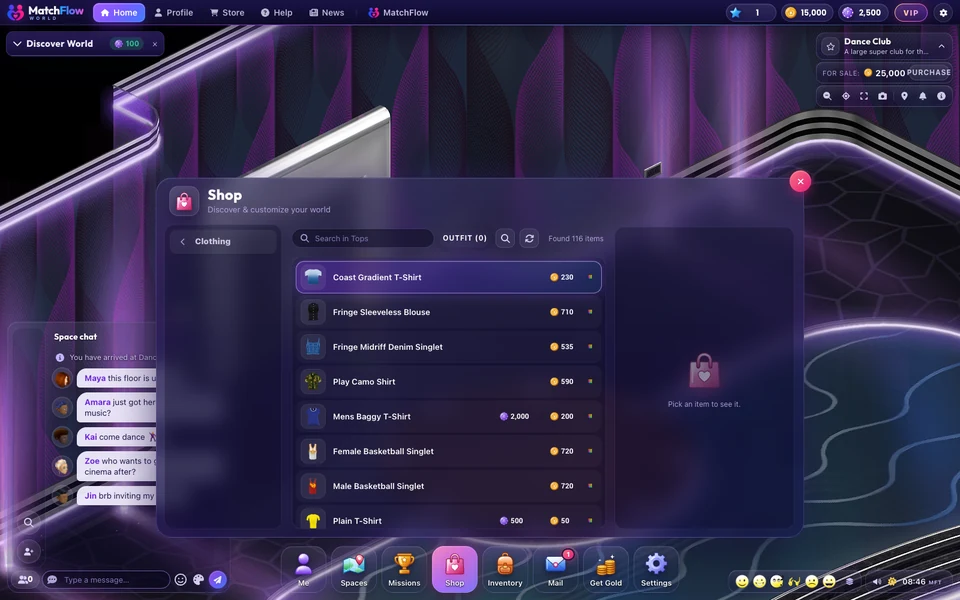
There is no separate wardrobe: what you own is in your Inventory, under Clothing and Wearable. Pick a piece and press Wear, or Remove to take it off.
Two rules decide what you can wear:
- Garments are made for a body. A garment cut for the other body won't go on yours (unisex pieces fit everyone). The Shop warns you before you buy.
- Some items ask for a level. They say "This needs Level N" or "This needs Citizen Level N" until you are.
Shopping works the same way: pick anything in the Shop and your avatar is shown wearing it before you pay. Add to outfit collects several pieces, and Buy & wear outfit buys the lot and puts it on.
Wings, capes, heads and rides
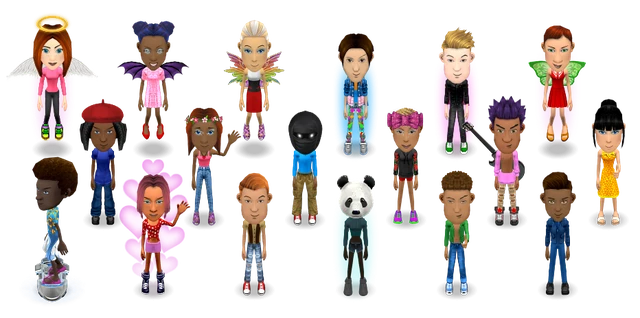
Beyond clothes, you can wear hats, glasses, ear pieces and wigs, back pieces such as wings and capes, whole heads and costumes, suits, things to hold, fragrances with a spray effect, rides, and bobz, little companions that float beside you. A few rules keep the look tidy:
- A cape goes over wings, and of two heads the one you put on last shows.
- Only one bobz can be out at a time.
- When you are wearing as much as you can, World asks you to take something off first.
Outfits: saving a look
OUTFITS opens the OUTFITS editor. The big card on the left is what you are wearing now; the slots beside it are your saved outfits.
- Press NEW OUTFIT to save what you are wearing as an outfit called "New Outfit".
- Click an outfit's card to edit it. Add a piece from your inventory by clicking it, pressing its green +, or dragging it onto a slot.
- Rename a saved outfit in its edit view: letters, numbers, spaces and underscores, up to 25 characters.
- Press SAVE, then WEAR to put it on.
An outfit keeps your garments with their colours, and the rest of what you wear: hats, wings, capes, heads, auras and one ride. You can keep 5 outfits, or 50 as a VIP. Wearing an outfit leaves out anything you no longer own.
Dance moves
DANCES opens DANCE MOVES, where you build up to 3 routines (Dance 1, Dance 2, Dance 3) of up to 18 steps each. Each step sets the head, arms and legs, which way you face and how long you hold it. Press + to copy a step, drag steps to reorder them, and press play to practise before you SAVE.
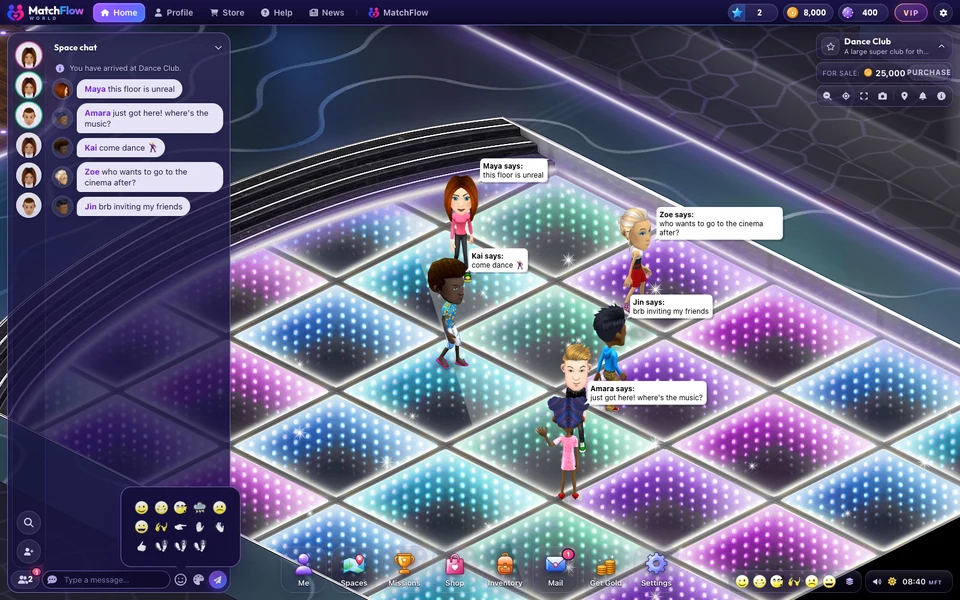
To dance, press Dance 1, Dance 2 or Dance 3 in the emote grid or on your action bar; press it again, walk or sit to stop. When someone else is dancing, their menu offers DANCE WITH.
More
For everything your avatar can be, from wings to rides, see FreeWorlds' avatars. For the chat side of your avatar, see chat, emotes and whispers.

Ready to start your story?
Shape a face, pick a look and save it as your first outfit.