

Your home in World
Build a Virtual Home That Is Yours
Every member gets a home of their own. Start in a furnished Beginner House, make it yours with furniture, wallpaper and lighting, and invite your friends over.
Free account, straight into World. Already on MatchFlow? Log in with the same account.

Getting your first home
Your keys, on day one
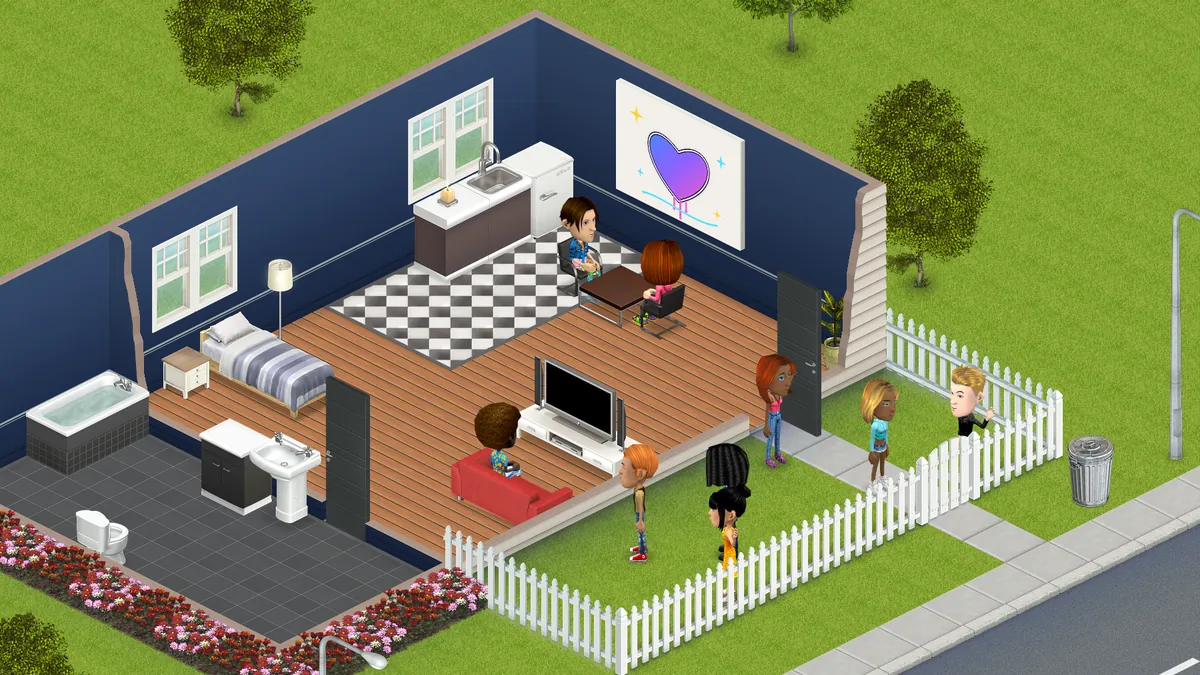
The first time you open World you move into the Beginner House, already furnished with a kitchen, a bathroom, a bedroom and a living room.
- A starter grant 15,000 gold, 2,500 tokens, Citizen Level 10 and a month of VIP, plus a starter outfit and a boombox.
- Missions to show you round Your first hour comes with guided missions that pay out tokens as you go.
Decorating
Piece by piece, room by room
The Shop has 1,000+ pieces of furniture and decor, from sofas and kitchens to dance floors, plants and pool tables.
Place and turn
Drop furniture where you want it, move it and turn it to face the room.
Set things on tables
Lamps, candles, plants and TVs sit on the tables and units under them.
Walls and floors
Change the wallpaper and flooring inside, the outside walls and the backyard.
Party pieces
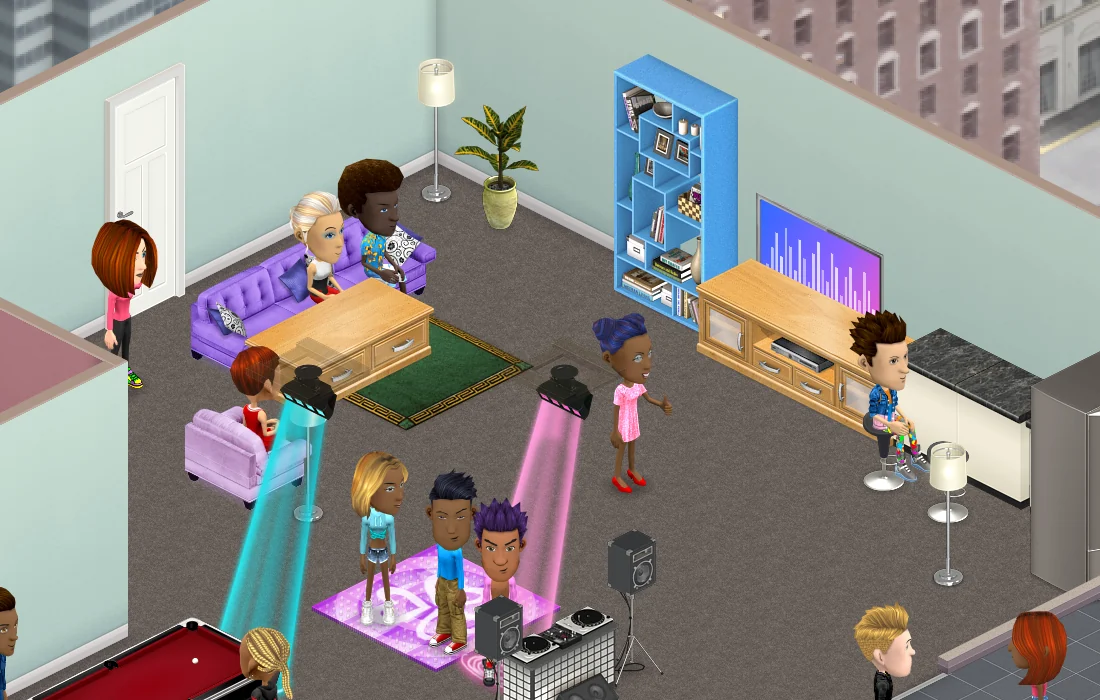
DJ stands, LED dance floors and ceiling lights for when friends come over.
Gold and tokens
Buy with the currencies you earn in the game. Nothing costs real money right now.
A shop stand
Put furniture up for sale from a shop stand in your own space.
Day and night
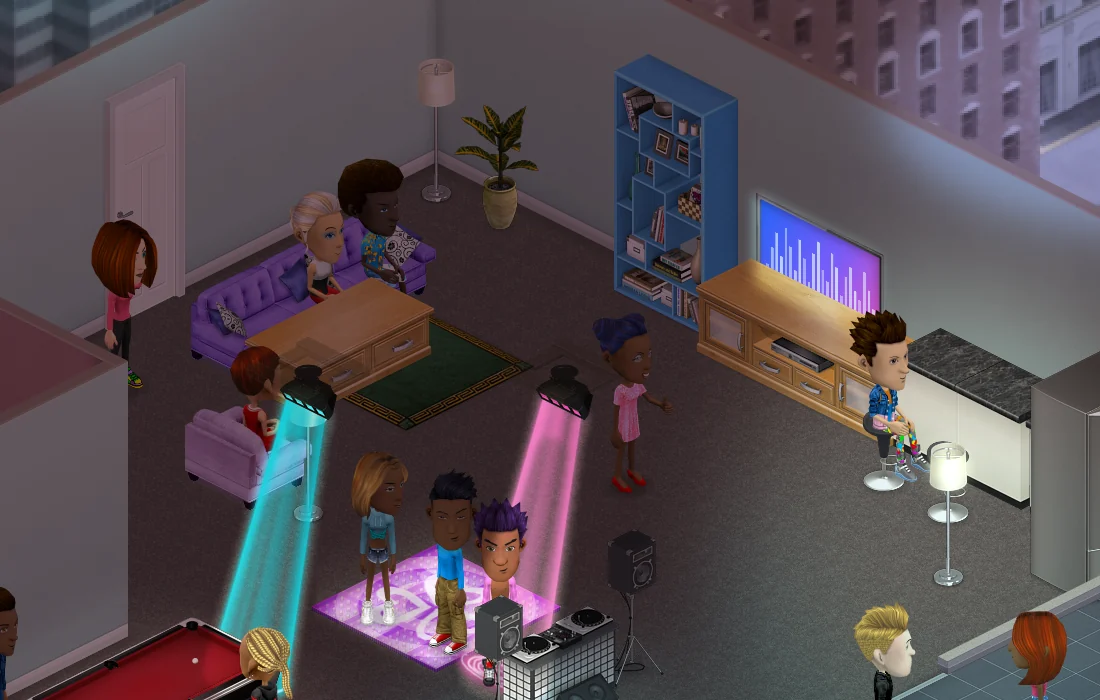
The same room, after dark
Give your space a time of day, or a day cycle that follows FreeWorlds Time. As night falls, every lamp, screen and window lights up.
Privacy
You decide who comes in
A space has four settings for who may enter: open to anyone, members only, contributors only, or private.
- Invite people An invite gives a friend a pass to come straight to your place.
- Share the work Make friends members, let contributors decorate, and let officers manage the members.
- Boot and ban Send someone out for a few minutes, or ban them until you lift it.


Room to grow
Have friends over, then move up
Invite a friend from World or straight from a MatchFlow chat and they arrive at your place. When you outgrow the house, 111 spaces are for sale: city apartments, penthouses, islands, mansions and fantasy towers. Walk round each showroom with friends before you buy your own copy.
Keep exploring
More of FreeWorlds

Ready to start your story?
Your first home is waiting, with the keys and a boombox.