

Hang your pictures in any size
Four landscape and three portrait oak frames, and every picture now fills its frame right to the edge.
Free account, straight into the game. Already have an account? Log in.
What's new
The Hearth Oak Picture Frame now has six new sizes. Pick a small frame for a quiet corner, a large or grand one to fill a wall, or one of three upright portrait frames for tall pictures. They start at 55 gold, and the grand frame is 170 gold.
Every size keeps the same oak moulding and the color you choose. Pictures also fill each frame right to the edge now: the thin white line some of you saw along the top of a filled frame is gone.
Step by step
How it works
-
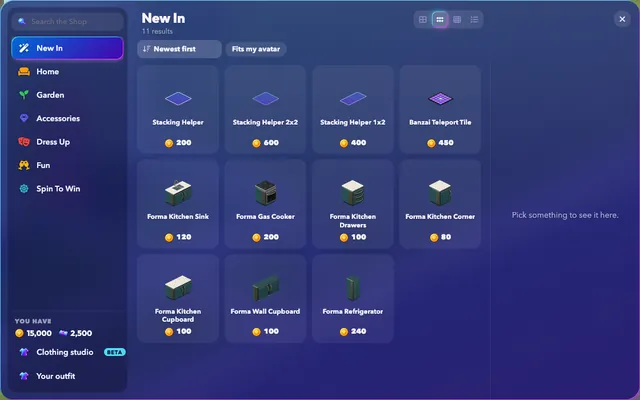
Choose a sizeOpen New In in the Shop, or search for Hearth frame. Each size is sold separately, and you can pick its color before you buy.
-
Hang itPlace the frame on a wall. Larger frames need a clear stretch of wall, so leave room around windows and doors.
-
Add your pictureSelect the frame to upload a picture or paste a Pinterest pin. Choose Fill the board to cover the whole frame, or Whole picture to show all of it.
Good to know
- A portrait frame suits a tall photo. With Fill the board, a wide picture in a portrait frame is cropped at its sides.
News
More from FreeWorlds
-

Stone planters and garden flowers in the Shop
The house builder's courtyard planters and flowers are in the Shop now: place them in any room and move them like any furniture. -

A better shape for the Oak Patio Lounger
A fuller foot cushion and straighter frame give the Oak Patio Lounger a more natural shape. -

More room for Hearth
More everyday furniture with usable seats, warm lighting, room music and colors you can change.
Keep exploring
More of FreeWorlds

Ready to start your story?
Make your avatar and go and see it for yourself.