

Make the Forma kitchen your own
A matching kitchen with colors you choose: cabinets, worktops, handles and ribbed trim can each have their own finish.
Free account, straight into World. Already on MatchFlow? Log in with the same account.
What's new
Forma brings matching cabinets and appliances to your home, with inset panels, curved edges, bridge handles, ribbed trim and veined quartz worktops.
Choose a sink, gas cooker, drawers, corner cupboard, double cupboard, wall cupboard or refrigerator. Each piece has its own colors, so you can match the whole kitchen or give one piece a different finish.
Step by step
How it works
-
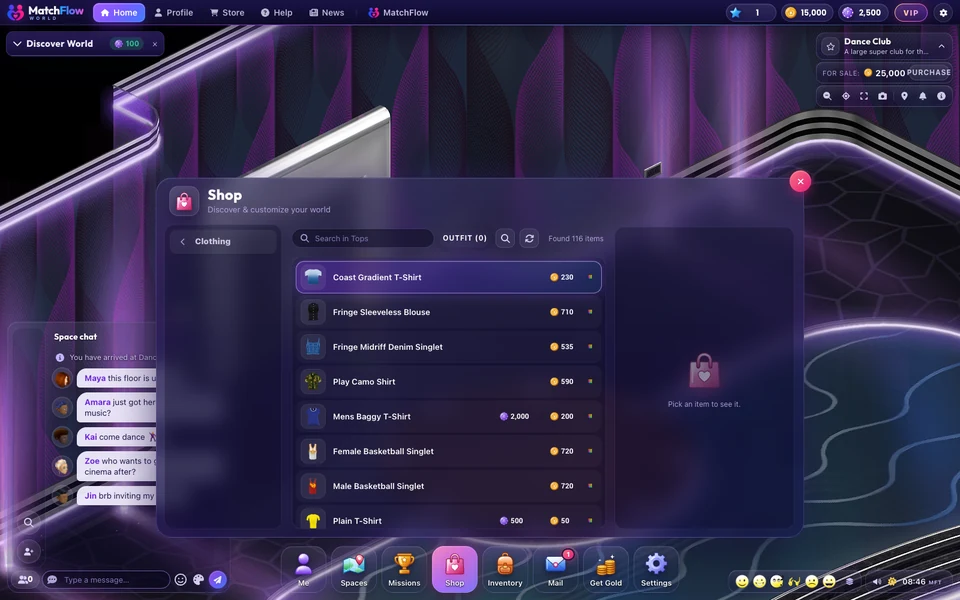
Find your piecesOpen Shop, choose New In or Home, then Kitchen. Select a Forma piece and choose Colors on its preview.
-
Choose your colorsUse a color picker or enter a hex color such as #244B50 for each finish. Rotate the preview, choose Apply colors, then Buy item. Your purchase keeps those colors.
-
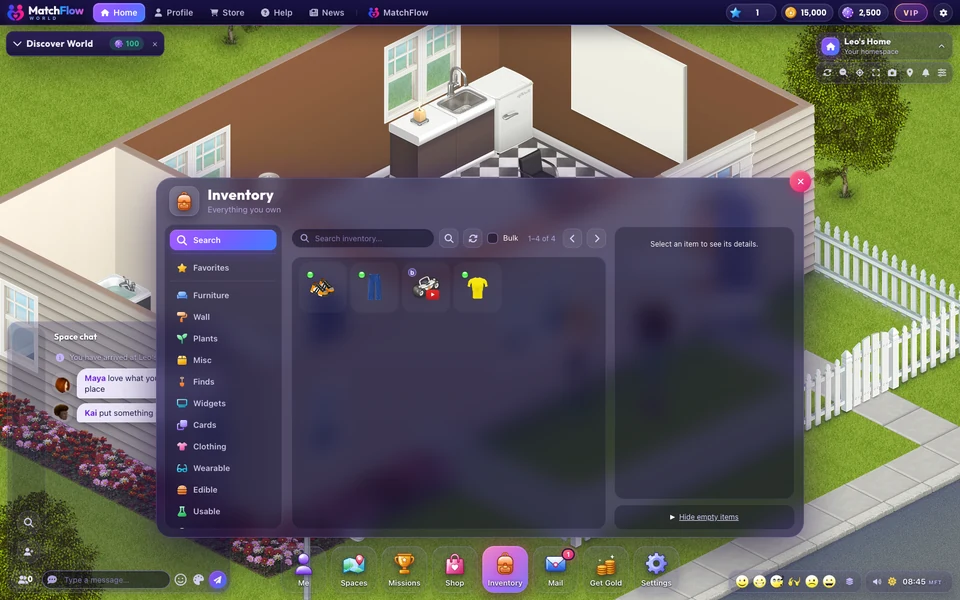
Change it laterPlace the item from Inventory, open Edit and choose Colors. Choose Save colors to keep your changes. Cancel leaves the item as it was. Reset colors previews its original colors.
Good to know
- Your saved colors stay with the item when it returns to your Inventory or is given to another member.
- Use the sink or cooker to turn it on. Open the cupboards, drawers or refrigerator from their item menu.
- The cooker, wall cupboard and refrigerator have cabinet, handle and trim colors. Worktop colors are available on pieces with a worktop.
News
More from FreeWorlds
-

A fresh look for your favourite expressions
A toothy laugh, a beating heart, a sly purple devil, golden clapping hands and a whistling face bring fresh expressions to World. -

Buy a ready built house, or build your own
Twelve ready built houses, beach, apartment, farm and garden, from 2,000 gold to 15,000 gold. And the house builder is open to everyone. -

Take a closer look at Bloom Park's flowers
Fuller flower beds, finer leaves and rounded flowering shrubs bring more detail to Bloom Park's gardens.
Keep exploring
More of FreeWorlds

Ready to start your story?
Make your avatar and go and see it for yourself.