

Guide · Friends
How to Invite Your Friends Into FreeWorlds
FreeWorlds is built to be shared. Here's how to bring a friend from a MatchFlow chat straight to your place, invite people from inside World, see where your friends are and jump to them.
Free account, straight into World. Already on MatchFlow? Log in with the same account.
Invite a friend, step by step
World shares MatchFlow's people: your MatchFlow friends are your World friends, and the people you're talking to on MatchFlow are one tap from your place.
- Connect on MatchFlow firstYou can invite your MatchFlow friends, or anyone you already have a conversation with there.
- Tap Hang out in World in your chatThe earth button in a MatchFlow conversation invites them to your home in World and takes you there.
- They get your inviteA notification with a Join in World button, a push notification if they have them on, and a line in your chat with the link to your space.
- Or invite from inside WorldOpen Me, then My Friends, and press Invite to this space on a friend's card. The space has to be yours or open to everyone.
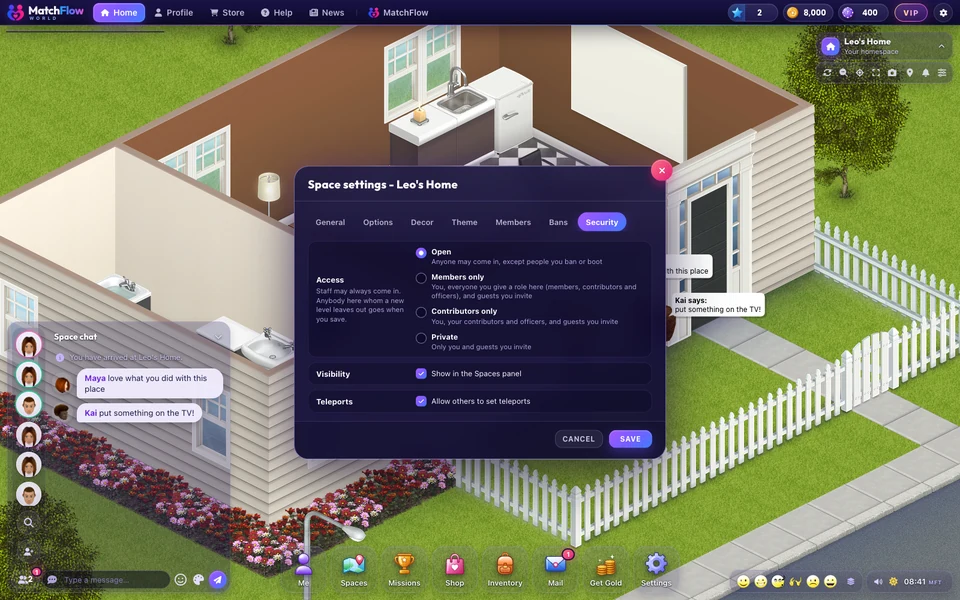
- Let them inAn invite into your private home opens the door for that guest for 12 hours. Anyone you have banned stays out.
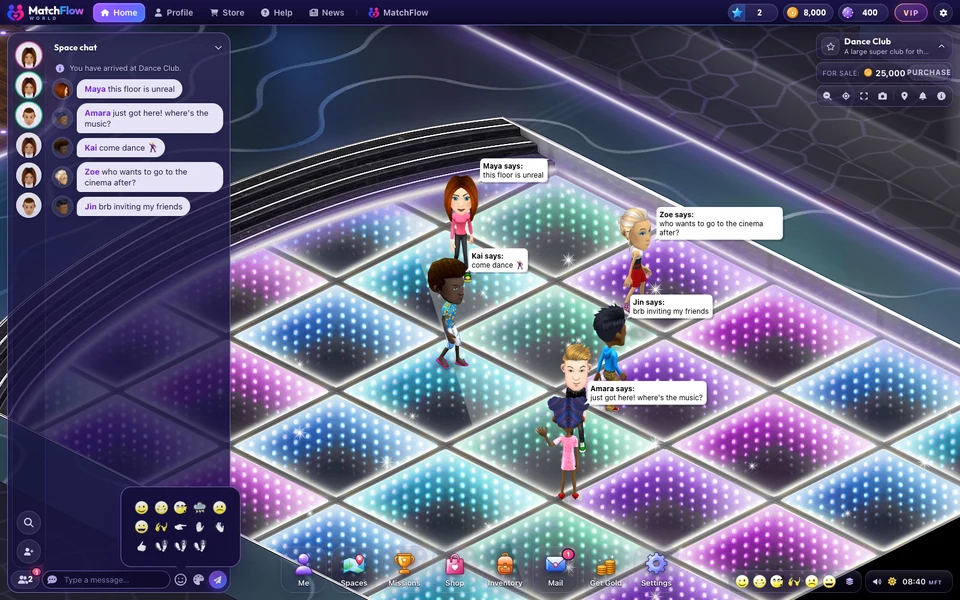
- Go to friends who are already in WorldOpen the friends list by the chat, click a friend and press GO THERE to join them where they are.
Who you can invite: your friends, or someone you already have a conversation with on MatchFlow. Anyone else gets a note to connect on MatchFlow first, by matching or adding them as a friend.
What your guest sees
In World, an invite pops up as <your name> invites you, Come hang out in <your space>., with a Join button that takes them straight there. On MatchFlow it arrives as a notification with Join in World, and a push notification titled Hang out in FreeWorlds if they have them switched on. Invites from the last 12 hours that they haven't read are waiting for them when they come in.

Your friends list
The friends button beside the chat opens your friends list: friend requests first, then your friends, with a green ring for those online and grey for those who aren't. Click a friend to see where they are (Online in this space, Online at a space, Online at MatchFlow or Offline) and two buttons:
- GO THERE takes you to the space they're in, if you may go in.
- START PRIVATE CHAT starts a whisper only the two of you see, wherever they are in World.
Making new friends in World
Met someone nice at a venue? Click their avatar and add them. Adding a friend in World sends an ordinary MatchFlow friend request, so once they accept you're friends in both places. The Say hello chapter of the missions even has a step for it.
Who can see where you are
Your location is yours to share. In Me, My Privacy, Online status and location can be Friends Only (the default), Everyone or Nobody. Choose Nobody and not even your friends can see where you are.
Blocking works across both: someone you block on MatchFlow or in World can't see you in either, and you won't see them.
Sharing a link to your space
Every space has its own link, freeworlds.gg/space/ followed by its number, which opens World straight into that space. Whether someone can come in still depends on your door: see space privacy.
More
For how MatchFlow and World fit together, see a virtual world for your friend group. To talk once everyone's there, read chat, emotes and whispers.

Ready to start your story?
Start a chat on MatchFlow, tap Hang out in World, and meet them there.