

A more detailed city outside your apartment
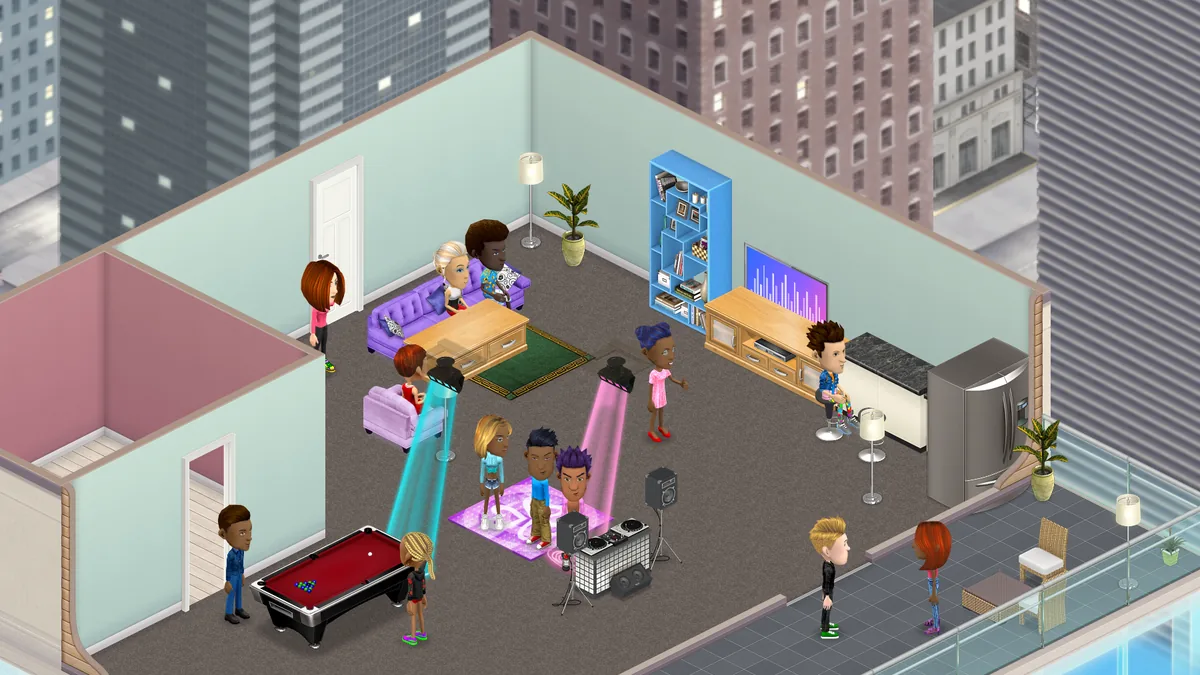
Apartment windows reveal furnished rooms, while varied towers, glass entrances and planted streets bring more colour to the city below.
Free account, straight into World. Already on MatchFlow? Log in with the same account.
What's new
The city around apartments has a richer evening look. Rectangular towers have different heights and widths, with blue and violet walls, deep window frames and warm rooms behind curtains.
Look down to see glass entrance canopies, planted beds, street lamps, crossings and cars. The tower beneath your apartment shares the blue tones and detailed windows of its neighbours, with clearer views as you zoom in.
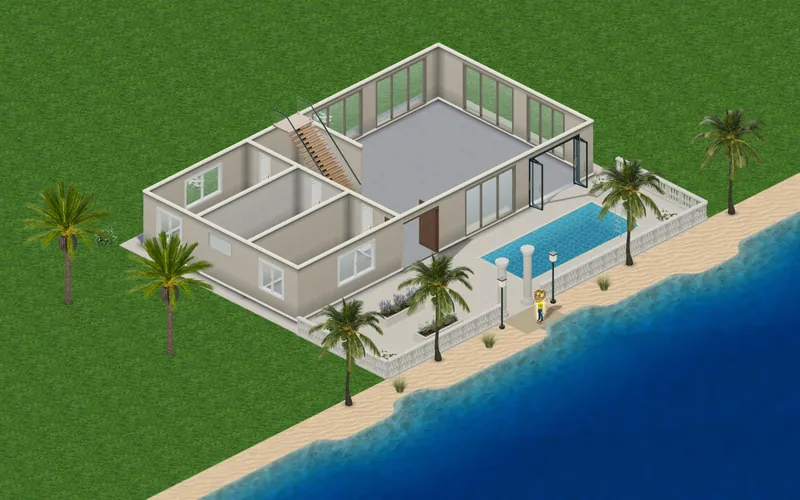
Your apartment keeps its floor plan, furniture and construction allowance. The new surroundings appear in the house builder and in saved apartments as their views finish loading.
Step by step
How it works
-
Visit an apartmentEnter an apartment you own, or open an apartment in the house builder.
-
Look aroundTurn the camera to see the city from each side. In the builder, choose Show street level for a wider view.
Good to know
- The surrounding streets and buildings are scenery outside your apartment.
News
More from FreeWorlds
-

Meet cash, with a fresh banknote icon
Cash has a clear banknote icon across your wallet, prices, rewards and gifts. Your balance and prices keep their value. -

Clearer icons for everyday actions
Larger cyan, violet and pink illustrations make avatar menus, navigation and social actions easier to recognise, while buttons stay in their familiar places. -

Grow crops and raise farm animals
Sow 15 crops, raise hens, ducks, goats, sheep, dairy cows and pigs, and sell what your farm makes at the Market. The higher your level, the more the same work earns.

Ready to start your story?
Make your avatar and go and see it for yourself.