

A shared screen waits for you on another tab
Switch to another tab while watching a shared screen and it waits 5 minutes for you, then starts again by itself when you come back.
Free account, straight into World. Already on MatchFlow? Log in with the same account.
What's new
A quick look at another tab no longer cuts the picture. A shared screen you are watching now waits 5 minutes for you when World is on a tab you are not looking at.
Gone longer, it lets go so nobody streams a picture no one is watching, and it starts again by itself the moment you are back on World.
Step by step
How it works
-
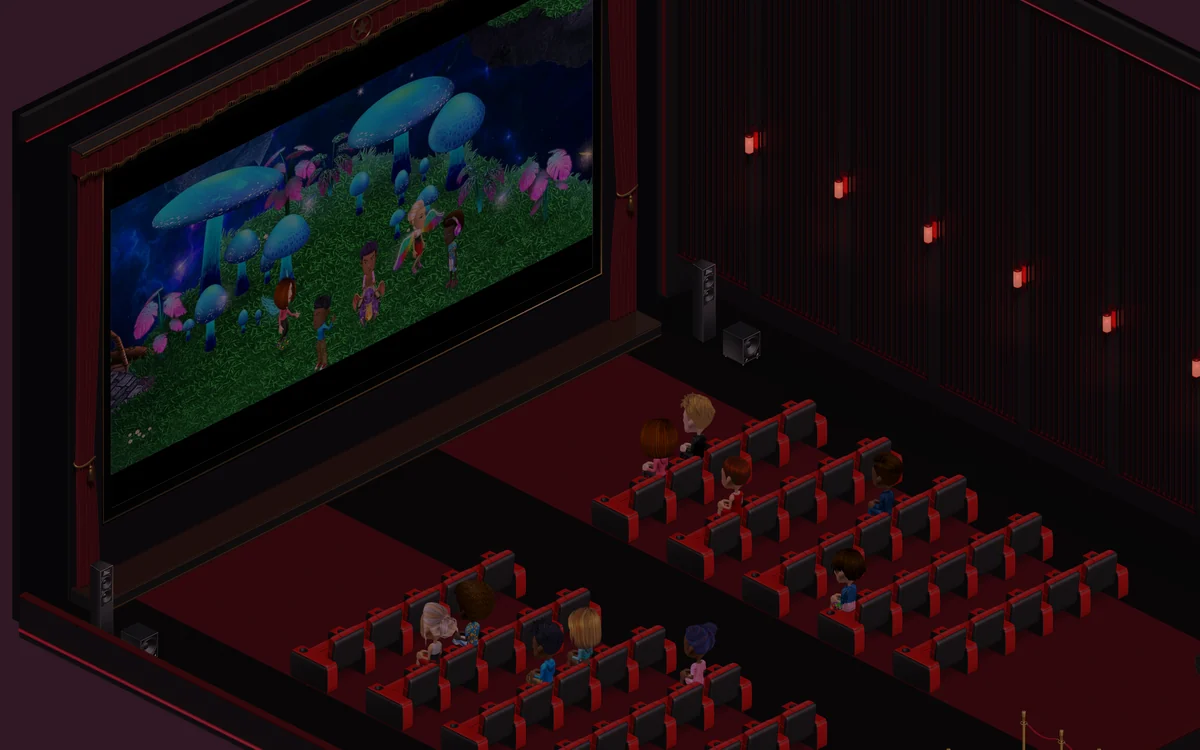
Watch a shareWatch somebody's shared screen on a TV, in the WATCH panel or at the Cinema.
-
Switch tabsLook at another tab or put the window away. The share keeps playing for 5 minutes.
-
Come backBack on World, the share plays again on its own. There is nothing to press.
Good to know
- YouTube and SoundCloud on a TV keep playing on another tab as they always have.
News
More from FreeWorlds
-

A fresh look for your favourite expressions
A toothy laugh, a beating heart, a sly purple devil, golden clapping hands and a whistling face bring fresh expressions to World. -

Buy a ready built house, or build your own
Twelve ready built houses, beach, apartment, farm and garden, from 2,000 gold to 15,000 gold. And the house builder is open to everyone. -

Take a closer look at Bloom Park's flowers
Fuller flower beds, finer leaves and rounded flowering shrubs bring more detail to Bloom Park's gardens.
Keep exploring
More of FreeWorlds

Ready to start your story?
Make your avatar and go and see it for yourself.